Try the live demo
No install needed
- User
- admin
- Password
- demoAdmin123
- POS PIN
- 1234
Demo data refreshes nightly to keep the sample company clean.
Open live demoOnly a business registered with the FTA may charge VAT and recover input VAT. This guide explains the registration thresholds, what a Tax Registration Number is, and how to set it up so every invoice carries the right number.
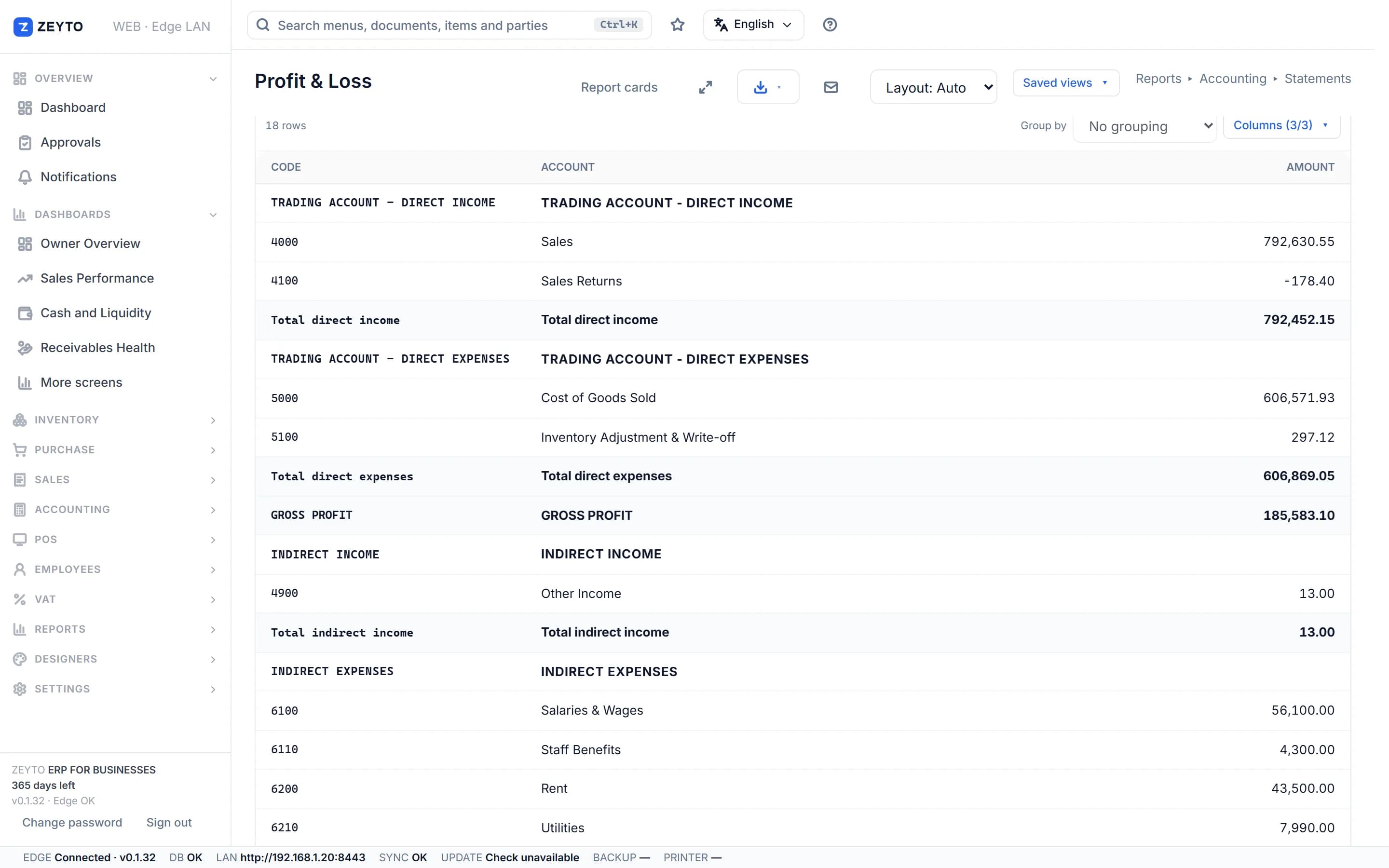
Screenshot from the Zeyto demo company, with sample data.
Registration
Not every business charges VAT. Only a business registered with the FTA (a taxable person) may charge VAT and recover input VAT. Registration depends on the value of your taxable supplies, which is why you need to track turnover from the first month.
Per the FTA's page on registering for VAT, the thresholds are measured on taxable supplies and imports over the previous 12 months, or the value you expect in the next 30 days. Mandatory registration applies at AED 375,000. Voluntary registration is possible from AED 187,500, measured on taxable supplies, imports or taxable expenses. Non-resident businesses that make taxable supplies in the UAE must register even below the mandatory figure, unless a UAE party accounts for the VAT.
Examples
A trading company's taxable sales for the last 12 months total AED 410,000. That is above AED 375,000, so registration is mandatory and the application is due within 30 days of becoming liable. A freelancer with AED 200,000 of taxable sales is below the mandatory threshold but above AED 187,500, so voluntary registration is possible.
A business below the mandatory threshold is not forced to register, but it also cannot charge VAT or recover input VAT until it does. Registering late can attract an administrative penalty. Check the current amount on the FTA website rather than trusting a figure copied from a blog. Applications are made through the FTA's online portal, EmaraTax.
Your TRN
When the FTA registers you it issues a Tax Registration Number (TRN), which is 15 digits. The TRN identifies you on every tax invoice. A customer who is registered needs your TRN to support their input VAT claim, and you need your suppliers' TRNs for the same reason.
A TRN typed with a mistake still has 15 digits and passes any length check. The check cannot tell you whether the number belongs to the party, so copy the TRN from the party's own tax invoice or registration certificate.
In Zeyto
Set the TRN before the first tax invoice A tax invoice without your TRN is not a valid tax invoice. Enter it once in the Company Profile, then print a sample invoice to confirm it appears. For UAE e-invoicing, Zeyto's connection to an Accredited Service Provider is not released yet, so we do not claim e-invoicing readiness. Rules change, so check the FTA website before you file. This page is general information, not tax or legal advice, and was last reviewed on 8 November 2026.
Go deeper
After registering, set up your documents and tax codes.
UAE e-invoicing roadmap
Zeyto is built around UAE VAT, structured invoice data and local validation. The connection to an Accredited Service Provider is on the roadmap and not released yet.
No install needed
Demo data refreshes nightly to keep the sample company clean.
Open live demoYour own PC
Run Zeyto cloud, private cloud, on-premise or on a local server, with desktop shell, browser access and the mobile app.
Sales, support, partners
Send your industry, branch count, users and reporting needs. We route you to the right person.
FAQ
Open the demo and see where the TRN and VAT identity are entered.