Try the live demo
No install needed
- User
- admin
- Password
- demoAdmin123
- POS PIN
- 1234
Demo data refreshes nightly to keep the sample company clean.
Open live demoNormally the seller charges VAT. Under reverse charge the buyer accounts for it instead, so the VAT appears twice on your return and cancels out. This guide shows when it applies, which boxes to use, and how Zeyto records it.
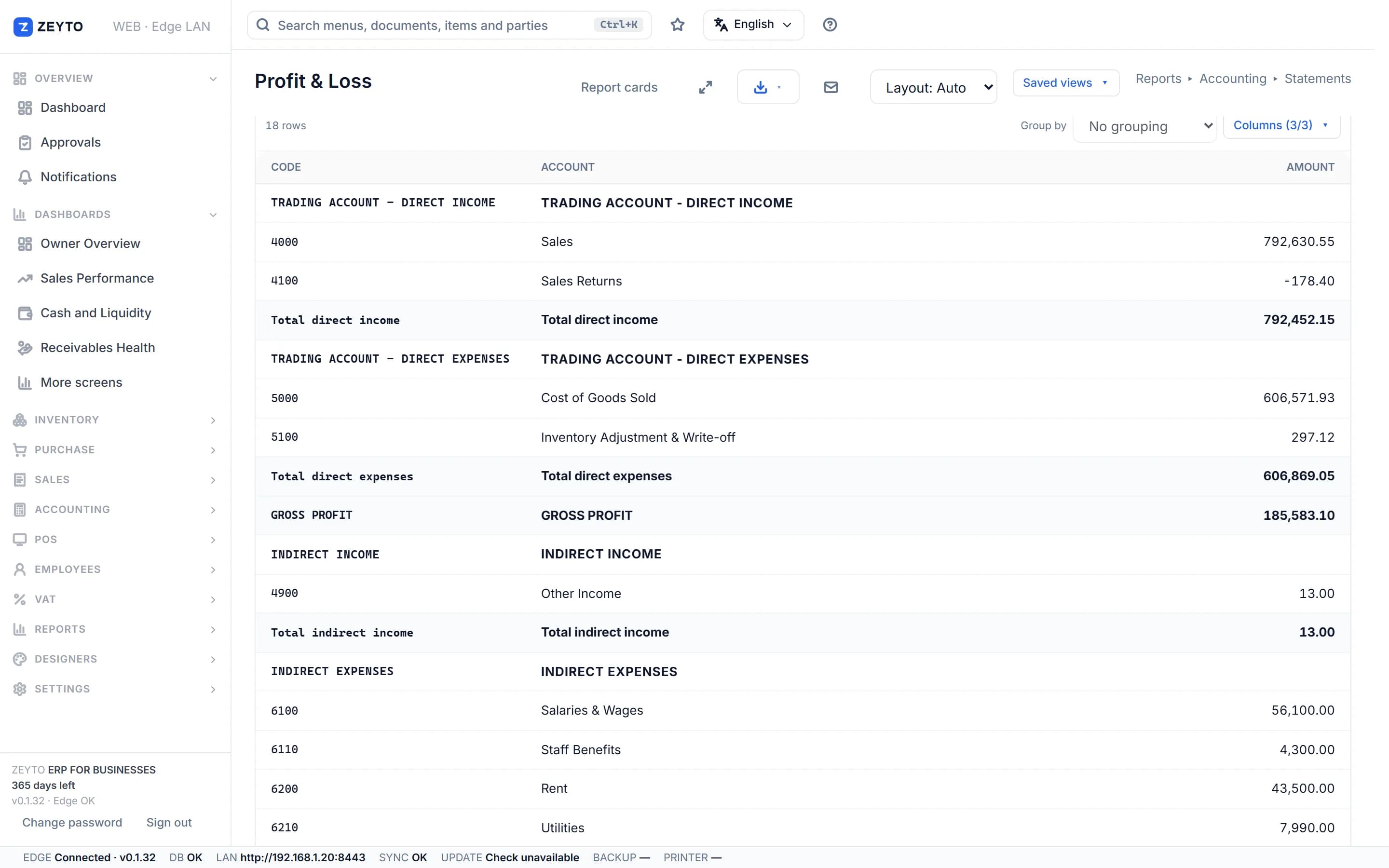
Screenshot from the Zeyto demo company, with sample data.
The idea
Normally the seller charges VAT and the buyer recovers it as input VAT. Under reverse charge the buyer accounts for the VAT instead. The FTA's return guide says services received from foreign suppliers belong in Box 3 of the VAT 201 (supplies subject to reverse charge), and the VAT you can recover goes in Box 10. A fully taxable business ends up with the same VAT in both boxes, so the net effect is zero, but both lines must appear on the return.
Imports of goods declared to UAE customs are different: the import VAT is reported in Box 6 (or corrected in Box 7), not Box 3. The recoverable side is again Box 10. One more point from the Academy lessons: there is no domestic reverse charge for ordinary construction work. Reverse charge applies to imported goods and services, and to listed domestic supplies such as metal scrap and precious metals and stones.
Worked examples
In Zeyto
Zeyto has five UAE tax codes: SR5, ZR, EX, RCM and OOS. RCM is reverse charge at 5%, reported in Box 3 on the sale side and Box 10 on the purchase side.
Sales side
An item can belong to an RCM category in Zeyto (Settings, RCM Categories). When you add it to a sale, Zeyto checks the category, the customer's 15-digit TRN and, where the category requires one, a valid declaration from the customer, recorded in Sales, RCM Declarations. If all pass, the line switches to the category's reverse-charge code, shows an RCM tag, and the invoice charges no VAT on that line. The value is reported in Box 3.
This is the only case where Zeyto changes a line's tax code by rule. For everything else the customer does not change the code, and you must change a line yourself, for example to zero-rated for an export.
A purchase invoice coded RCM does not declare the VAT A Purchase Invoice line coded RCM records the value with no VAT and does not declare the VAT. A voucher from RCM Self-Accounting does. If you only code the purchase invoice, Box 3 and Box 10 will miss the VAT. Rules change, so check the FTA website before you file. This page is general information, not tax or legal advice, and was last reviewed on 8 November 2026.
Go deeper
Related lessons and guides.
UAE e-invoicing roadmap
Zeyto is built around UAE VAT, structured invoice data and local validation. The connection to an Accredited Service Provider is on the roadmap and not released yet.
No install needed
Demo data refreshes nightly to keep the sample company clean.
Open live demoYour own PC
Run Zeyto cloud, private cloud, on-premise or on a local server, with desktop shell, browser access and the mobile app.
Sales, support, partners
Send your industry, branch count, users and reporting needs. We route you to the right person.
FAQ
Open the demo and post an RCM Self-Accounting voucher.