How to prepare a UAE VAT 201 return, box by box

The VAT 201 is the return every VAT-registered business in the UAE files with the Federal Tax Authority. This guide explains each box, walks through a full worked example, and shows how Zeyto's Return Worksheet lays the figures out from your posted documents.

Screenshot from the Zeyto demo company, with sample data.
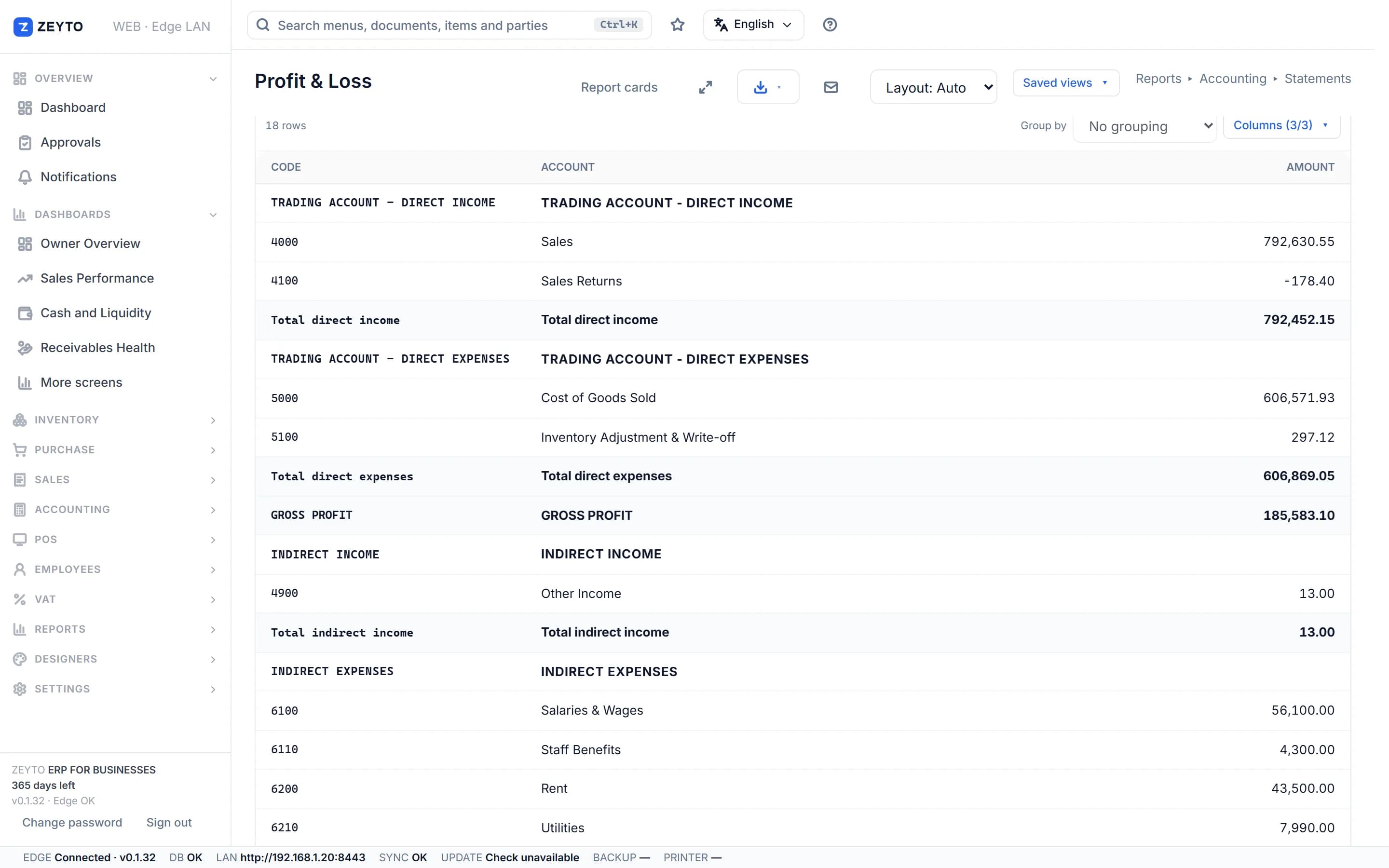
Zeyto profit and loss report in the demo company

The basics

What the VAT 201 return is

One form, filed on the FTA portal, that settles the difference between the VAT you charged and the VAT you paid.

Every VAT-registered business adds VAT to what it sells (output VAT), pays VAT on what it buys (input VAT) and sends only the difference to the Federal Tax Authority. The VAT 201 is where that difference is calculated and declared. According to the FTA's VAT Returns User Guide, the output side (Boxes 1 to 8) lists the supplies you made and the VAT due on them, and the input side (Boxes 9 to 11) lists your expenses and the VAT you can recover. Boxes 12, 13 and 14 give the total due, the total recoverable and the payable amount. If the result is a refund, Box 15 asks whether you want it refunded.

Read more

The standard rate is 5%. Every sale and purchase falls into one of four treatments: standard-rated at 5%, zero-rated at 0% but still reported, exempt with no VAT, or outside the scope of UAE VAT. Getting the treatment right matters more than any calculation, because zero-rated and exempt supplies both print VAT 0.00 on an invoice yet land in different boxes and have different consequences for recovering input VAT.

Output side

Boxes 1 to 8: what you supplied

Each box is a value (the price before VAT) and, where VAT applies, the VAT amount.

  • Boxes 1a to 1gStandard-rated supplies, reported by the emirate where the supply was made: Abu Dhabi, Dubai, Sharjah, Ajman, Umm Al Quwain, Ras Al Khaimah and Fujairah. Credit notes reduce the box they relate to.
  • Box 3Supplies subject to reverse charge, such as services received from a foreign supplier that charged no UAE VAT. The matching recoverable amount goes in Box 10.
  • Box 4Zero-rated supplies, for example exports of goods and services outside the UAE. The value is reported but the VAT is 0, and you can still recover VAT on your costs.
  • Box 5Exempt supplies. Input VAT that relates directly to exempt supplies is not recoverable, which is why exempt and zero-rated must never be confused.
  • Boxes 6 and 7Goods imported into the UAE and adjustments to imports. The import VAT appears on the output side and, if you can recover it, again in Box 10.
  • Box 8The totals of Boxes 1 to 7: total value and total output VAT for the period.

Input side

Boxes 9 to 15: what you can recover and what you owe

  • Box 9Standard-rated expenses and purchases, with the input VAT you can recover. You need a valid tax invoice from the supplier as evidence.
  • Box 10Supplies subject to reverse charge and imports, with the recoverable VAT. For a fully taxable business Box 10 mirrors the VAT in Boxes 3 and 6, so the net effect is zero.
  • Boxes 11 to 13Total input value and VAT (Box 11), the total VAT due for the period (Box 12) and the total recoverable VAT (Box 13).
  • Box 14 and Box 15Box 14 is the VAT payable: Box 12 minus Box 13. A negative result is recoverable and Box 15 asks whether you want a refund; otherwise it can be carried forward against later amounts.

Worked example

A full return for one quarter

A trading company, all figures in AED. Credit notes and purchase returns are already netted inside each box.

  • Box 1b Dubai: invoices 400,000 less credit notes 10,000 = 390,000, VAT 19,500
  • Box 1c Sharjah: invoices 100,000, VAT 5,000
  • Box 3: foreign consulting, self-accounted, value 20,000, VAT 1,000
  • Box 4: export sales 120,000, VAT 0. Box 5: exempt supply 8,000, VAT 0
  • Box 6: import declaration, value 60,000, VAT 3,000
  • Total output VAT: 24,500 + 1,000 + 3,000 = 28,500 (Box 12)
  • Box 9: purchases 250,000 and expenses 30,000 = 280,000, VAT 14,000
  • Box 10: consulting 20,000 and imports 60,000 = 80,000, VAT 4,000. Total input VAT 18,000 (Box 13)
  • Box 14 payable: 28,500 minus 18,000 = AED 10,500. Check: reverse charge and import VAT cancel, so the result equals Box 1 VAT minus Box 9 VAT, 24,500 minus 14,000 = 10,500

In Zeyto

Preparing the return from your ledger

Each document line carries a tax code, and the code decides the box. You never type VAT by hand.

  • Submit every document in the periodDrafts are not counted. Only submitted sales, purchases, returns and expense entries reach the return.
  • Open VAT, Return WorksheetChoose the tax period. The worksheet shows output tax, input tax and the net payable, listing only the boxes that have entries.
  • Check the codesA line with no VAT code sits in no box. The worksheet shows a red banner naming such lines and will not let you mark the period filed until each has a code.
  • Review the detailExport the Detail XLSX or Detail PDF to see every VAT line with its document, party, box and tax code.
  • File on the FTA portalFile on the EmaraTax portal using the worksheet figures. Zeyto sends nothing to the FTA, and your accountant should confirm the emirate split for Box 1.
  • Lock the periodOnly after the portal accepts the return, press Mark as Filed and Lock Period. Zeyto then refuses to submit, amend or cancel VAT documents dated inside it, and there is no button to undo the lock.

Zeyto prepares the figures; you file Zeyto produces the worksheet and the supporting detail from your posted documents. It does not file the return with the FTA, and the worksheet does not include the portal's adjustment columns. For UAE e-invoicing, Zeyto's connection to an Accredited Service Provider is not released yet, so we do not claim e-invoicing readiness. Rules change, so check the FTA website before you file. This page is general information, not tax or legal advice, and was last reviewed on 8 November 2026.

UAE e-invoicing roadmap

Get invoices, VAT and data fields in order first

Zeyto is built around UAE VAT, structured invoice data and local validation. The connection to an Accredited Service Provider is on the roadmap and not released yet.

Try the live demo

No install needed

User
admin
Password
demoAdmin123
POS PIN
1234

Demo data refreshes nightly to keep the sample company clean.

Open live demo

Install the trial

Your own PC

Run Zeyto cloud, private cloud, on-premise or on a local server, with desktop shell, browser access and the mobile app.

Talk to Zeyto

Sales, support, partners

Send your industry, branch count, users and reporting needs. We route you to the right person.

FAQ

Straight answers

How often do I file a VAT 201 return?
According to u.ae and the FTA, the standard tax period is quarterly for businesses with annual turnover below AED 150 million and monthly for those at AED 150 million or more, and the FTA may assign a different period. The return and any payment must reach the FTA no later than the 28th day after the end of the tax period.
Do I file a return if I had no transactions?
Yes. A period with no transactions still needs a nil return.
What is the difference between zero-rated and exempt on the return?
Zero-rated supplies go in Box 4 and you can still recover input VAT on your costs. Exempt supplies go in Box 5, and input VAT that relates directly to exempt supplies is not recoverable.
Can Zeyto file the VAT 201 for me?
No. Zeyto prepares the Return Worksheet and a detail export from your ledger. You file on the FTA portal and can ask your accountant to review the figures first.
Does the VAT 201 work offline in Zeyto?
Yes. Zeyto is offline-capable, so posting documents and preparing the worksheet run on your own server or private cloud during internet outages. Filing on the FTA portal needs an internet connection.

Try the VAT Return Worksheet

Open the demo, pick a tax period and see how a ledger turns into box figures.