Try the live demo
No install needed
- User
- admin
- Password
- demoAdmin123
- POS PIN
- 1234
Demo data refreshes nightly to keep the sample company clean.
Open live demoA VAT return that arrives on day 29 is late. This guide sets out the tax periods, the 28-day rule, the three quarterly cycles, what to keep and for how long, and how to prepare and lock a period in Zeyto.
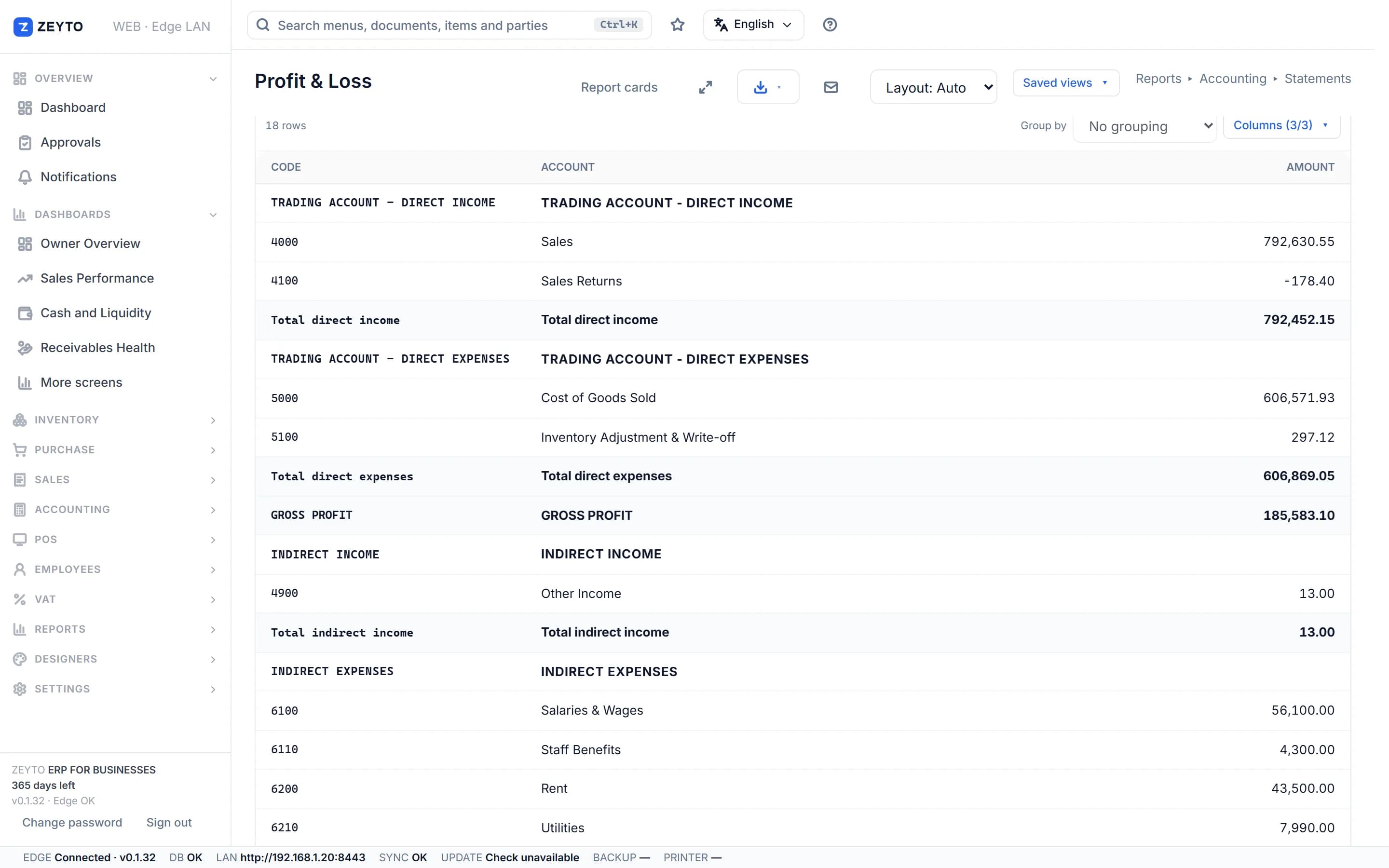
Screenshot from the Zeyto demo company, with sample data.
The 28-day rule
According to u.ae and the FTA, the standard tax period is quarterly for businesses with annual turnover below AED 150 million and monthly for those at AED 150 million or more, and the FTA may assign a different period. The FTA VAT Returns User Guide says the return and any payment must reach the FTA no later than the 28th day after the end of the tax period. If that day is a weekend or national holiday, the deadline moves to the next business day.
A period with no transactions still needs a nil return. Returns are filed online through the FTA portal, EmaraTax. Late filing and late payment attract administrative penalties. The FTA announced that Cabinet Decision No. 129 of 2025, which amends Cabinet Decision No. 40 of 2017 on administrative penalties, came into force on 14 April 2026, so older figures in guides may be out of date. This page gives no amounts: check the FTA website for the current penalty table.
Quarterly cycles
A quarterly filer follows one of three cycles, depending on the tax year end on the registration certificate. From the FTA guide:
In Zeyto
After filing
After the lock, VAT documents dated inside the period cannot be submitted, amended or cancelled. Documents with no VAT, such as plain receipt vouchers, and documents in other periods are not blocked. Zeyto's help says there is no button to undo a filing and no administrator override, so a correction must be dated in an open period. Press the lock only after the portal accepts the return.
FAF Export builds a CSV of every VAT line for the period for your accountant. It is Zeyto's own flat list, not the FTA's official audit-file layout, so ask your accountant before sending it to the FTA.
Record keeping
E-invoicing does not change the 28-day rule The Ministry of Finance e-invoicing timetable is separate from the VAT return deadline. For UAE e-invoicing, Zeyto's connection to an Accredited Service Provider is not released yet, so we do not claim e-invoicing readiness; see our UAE e-invoicing page for the dates. Rules change, so check the FTA website before you file. This page is general information, not tax or legal advice, and was last reviewed on 8 November 2026.
Go deeper
Prepare the numbers before the deadline.
UAE e-invoicing roadmap
Zeyto is built around UAE VAT, structured invoice data and local validation. The connection to an Accredited Service Provider is on the roadmap and not released yet.
No install needed
Demo data refreshes nightly to keep the sample company clean.
Open live demoYour own PC
Run Zeyto cloud, private cloud, on-premise or on a local server, with desktop shell, browser access and the mobile app.
Sales, support, partners
Send your industry, branch count, users and reporting needs. We route you to the right person.
FAQ
Open the demo, choose a tax period and read the Return Worksheet.