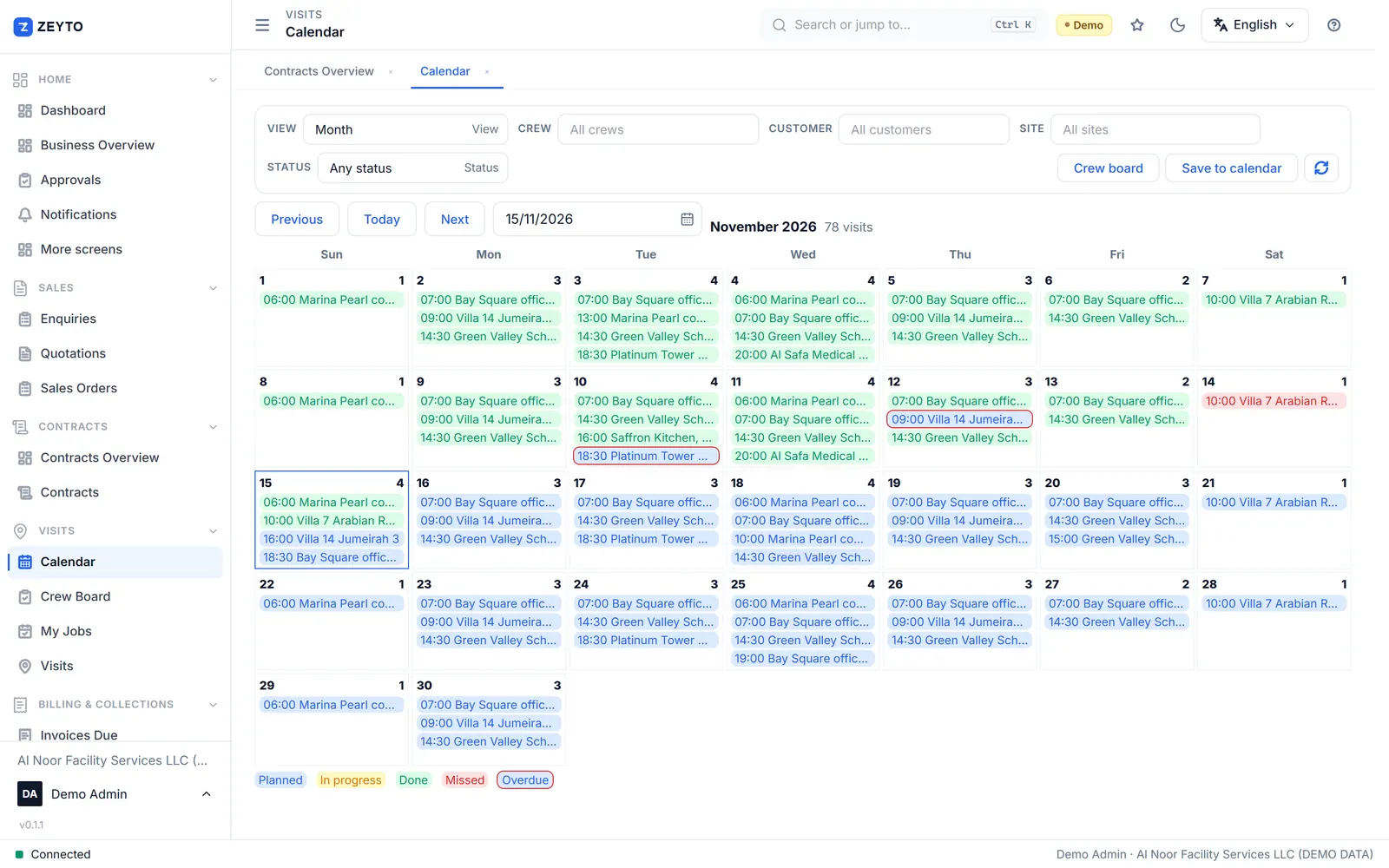
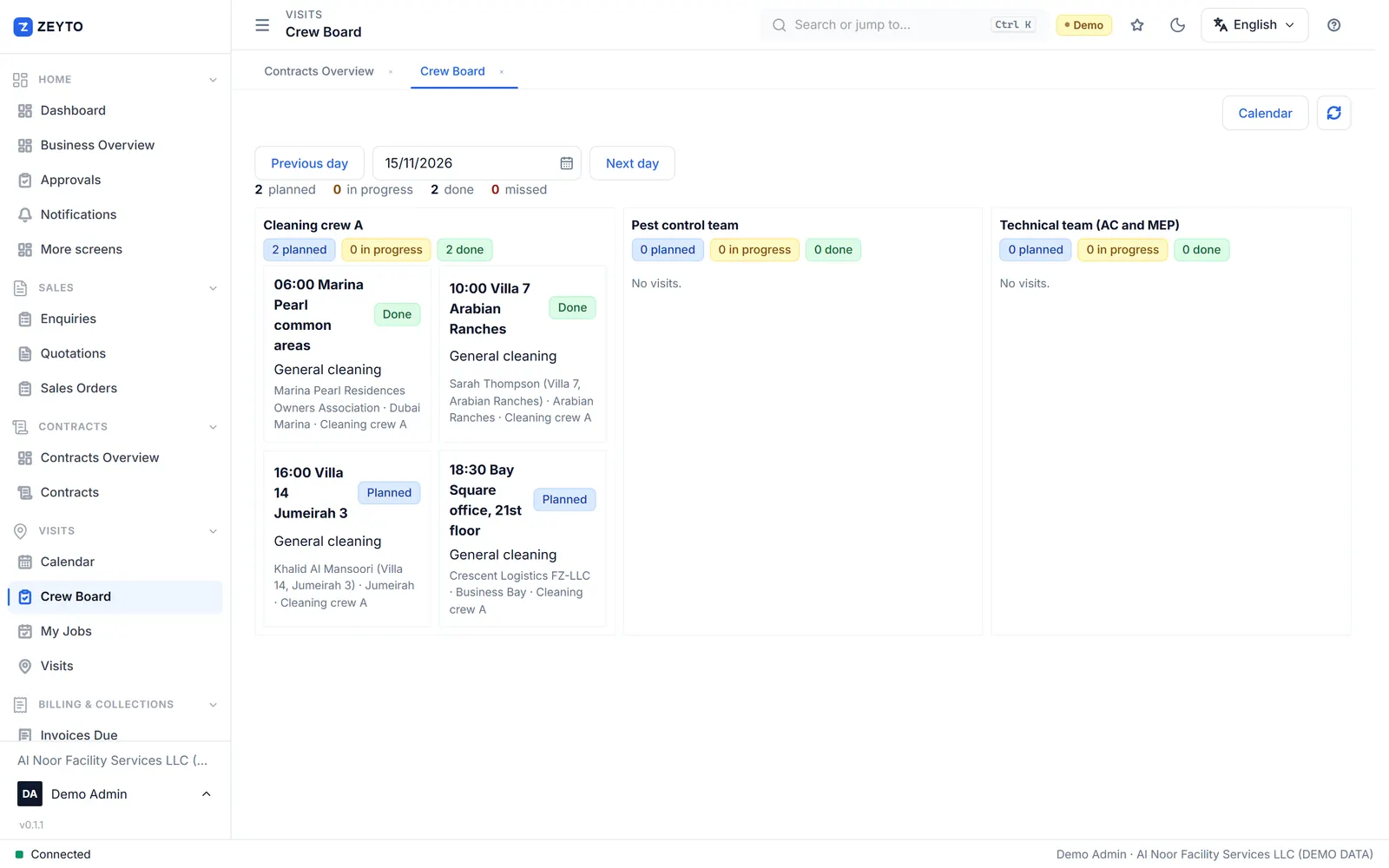
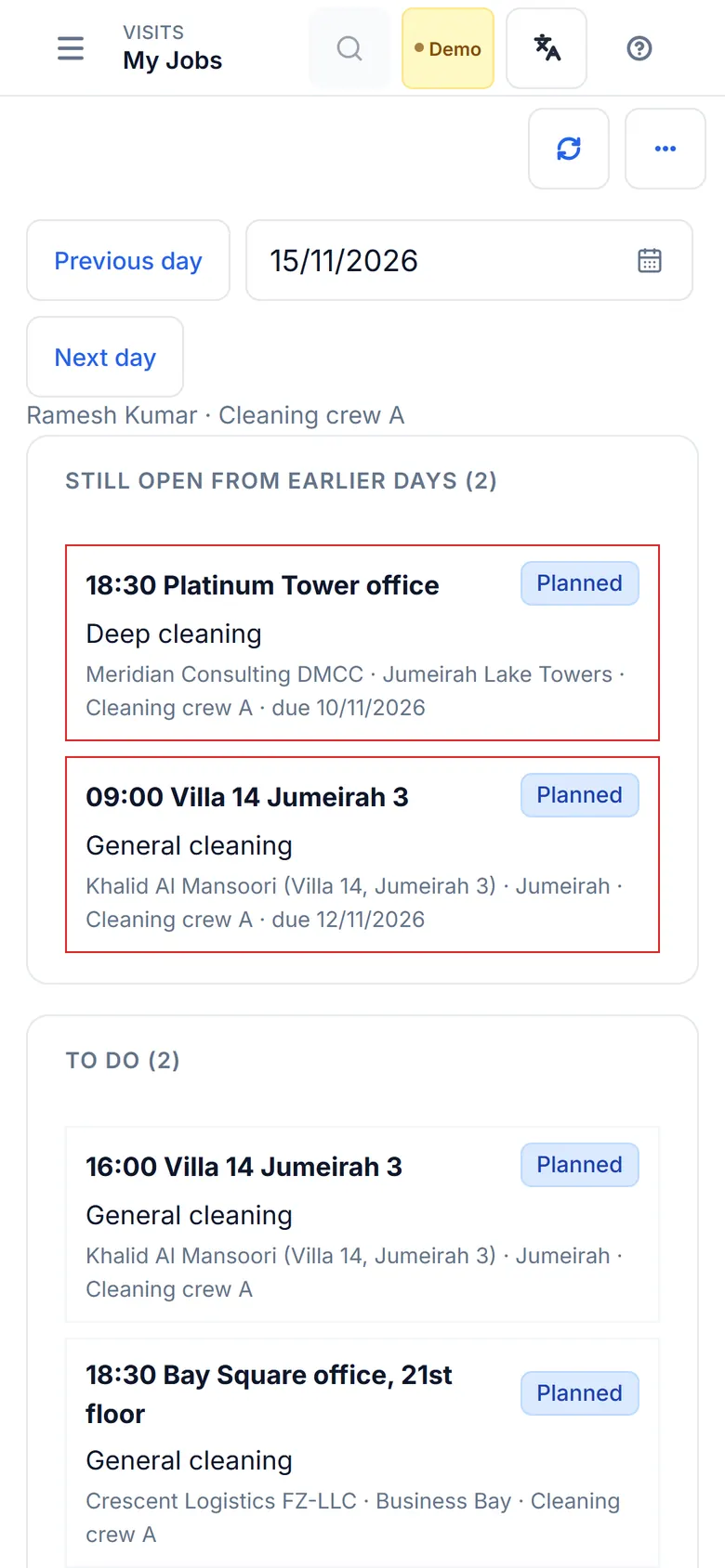
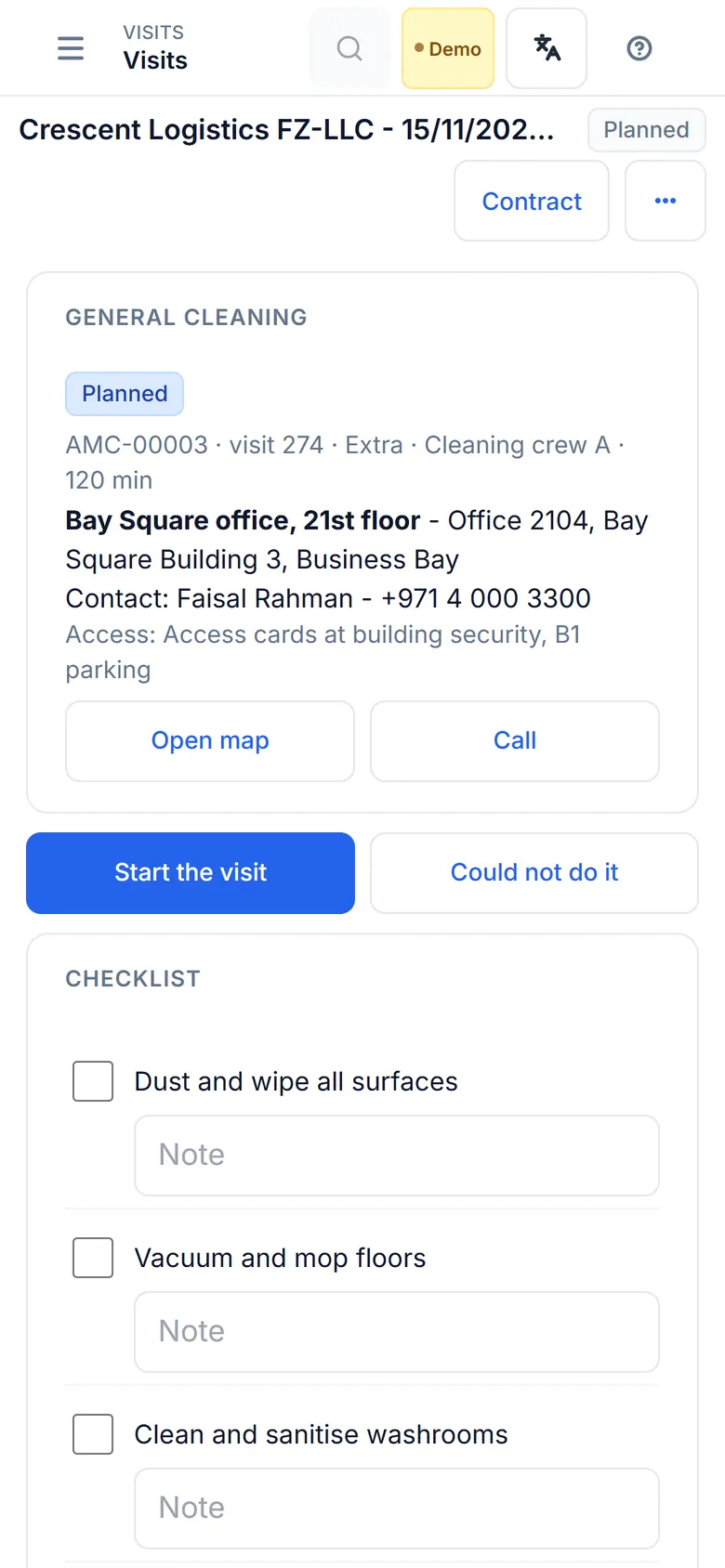
- Open the job. The site address, contact, access notes, Open map and Call are at the top.
- Start the visit records the time (and the phone position, if required).
- Tick the checklist, add before and after photos.
- The customer signs on the screen and gives a rating. Enter who checked the work.
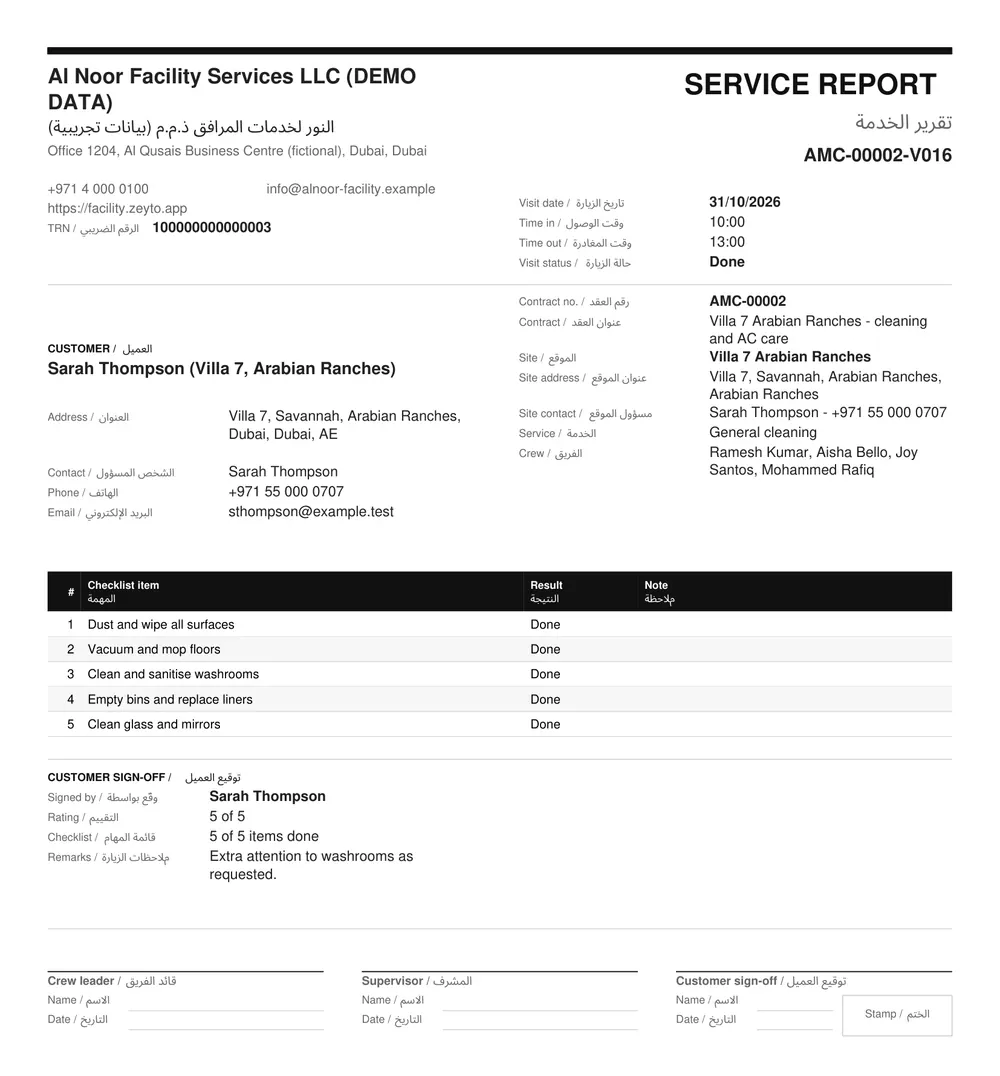
- Complete. The signed service report (PDF) is made and, if switched on, sent to the customer on WhatsApp.
If the job cannot be done: Could not do it marks it missed with a reason and can book a make-up visit. Move puts it on another day. Skip drops only that date.
A visit done on paper: an office user can record it afterwards with its real date and times. Open the visit, and when completing it tick the box under Record times and enter when the job was done. Technicians on the phone always use the real clock.
The service report (job card) is what the customer receives. Print it any time from the visit.