Live demo
See it first
A demo copy of Zeyto Facility runs at facility.zeyto.app with made-up data. Do not enter real company data.
Open the live demo (opens in a new tab)Demo, server and client installers
See it first, then install it on your office PC. Activation needs a licence key from our team.
Unsigned installer: Windows may show a SmartScreen warning. Choose More info, then Run anyway. Activation needs a licence key from our team. Check the SHA-256 value on each card against your download if you want to be certain it is the file we published.
See it first
A demo copy of Zeyto Facility runs at facility.zeyto.app with made-up data. Do not enter real company data.
Open the live demo (opens in a new tab)Windows 10 / 11, 64-bit
Install this first, on the office PC that will hold your data. It installs Zeyto Facility and its own Windows services.
Version 0.1.2 - 121.6 MB
132B9C61C80A5BF08C3B64DD34E334B439FD4D929E879B6DC66C7D45F13870D3Unsigned installer: Windows may show a SmartScreen warning. Choose More info, then Run anyway.
Activation needs a licence key from our team.
Windows 10 / 11, 64-bit
For the other Windows PCs in the office, once the server is running. Other PCs can also open it in the browser over your network.
Version 0.1.2 - 51.1 MB
FFB674998DB24079E420D935B8CDCACF6968253071C8B02569700F987A7DD72DUnsigned installer: Windows may show a SmartScreen warning. Choose More info, then Run anyway.
Activation needs a licence key from our team.
Phone browser
There is nothing to install on the phone. The My Jobs screen works in the phone's browser: start, checklist, before and after photos, customer signature and rating, complete. There is no store app.
What you get
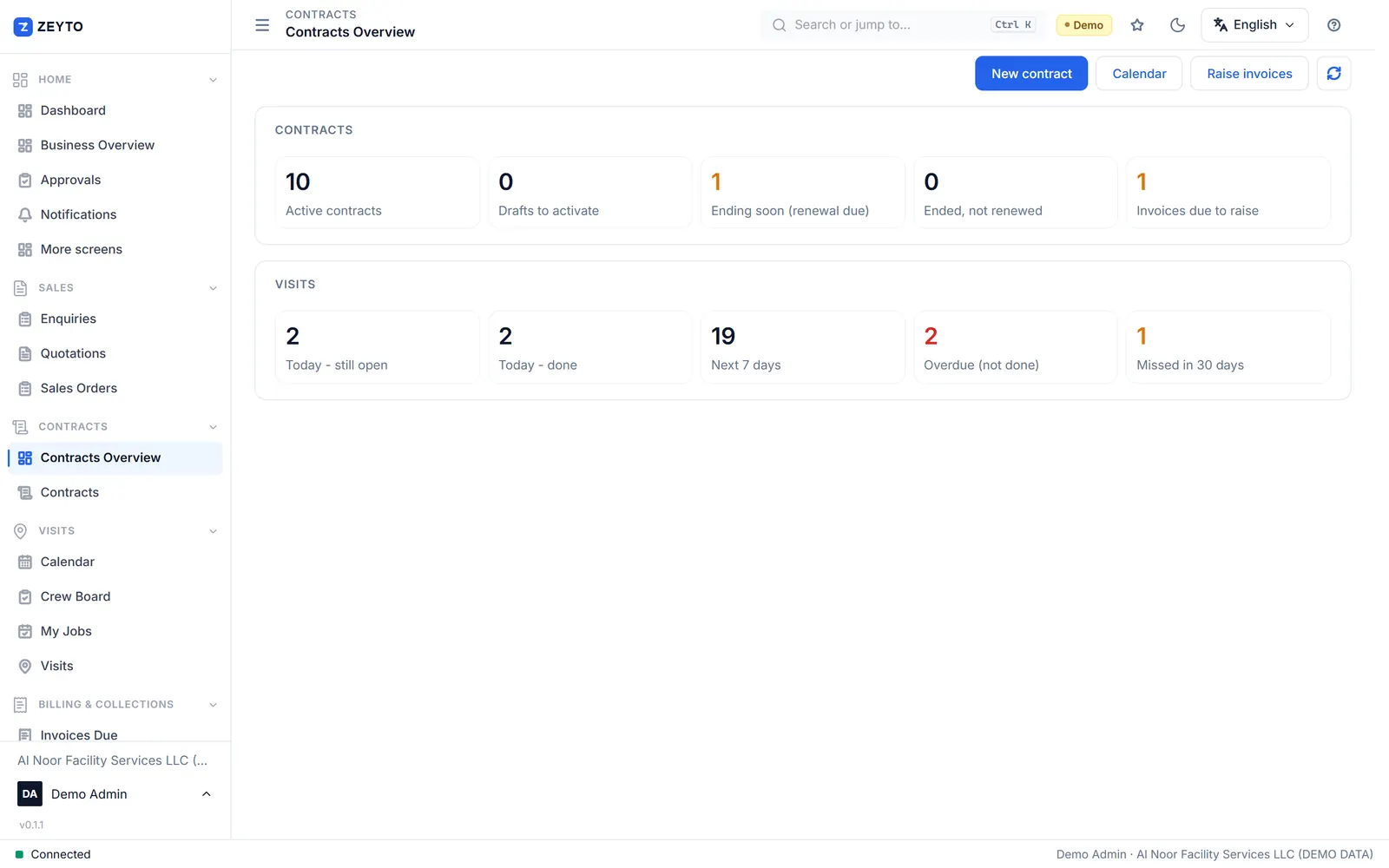
Once installed, Zeyto Facility opens the same screens you see here.
Getting started
After installing, follow the user guide: first-day setup, contracts, billing schedules, visits and invoices, step by step. Read the guide.
Looking for another Zeyto product? Zeyto ERP downloads and Zeyto Garage Pro are separate products.