Try the live demo
No install needed
- User
- admin
- Password
- demoAdmin123
- POS PIN
- 1234
Demo data refreshes nightly to keep the sample company clean.
Open live demoCash goes missing quietly. This guide shows how Zeyto calculates the cash a drawer should hold, what happens to a shortage or surplus in the books, which controls stop a cashier closing a bad count, and how the manager locks the day.
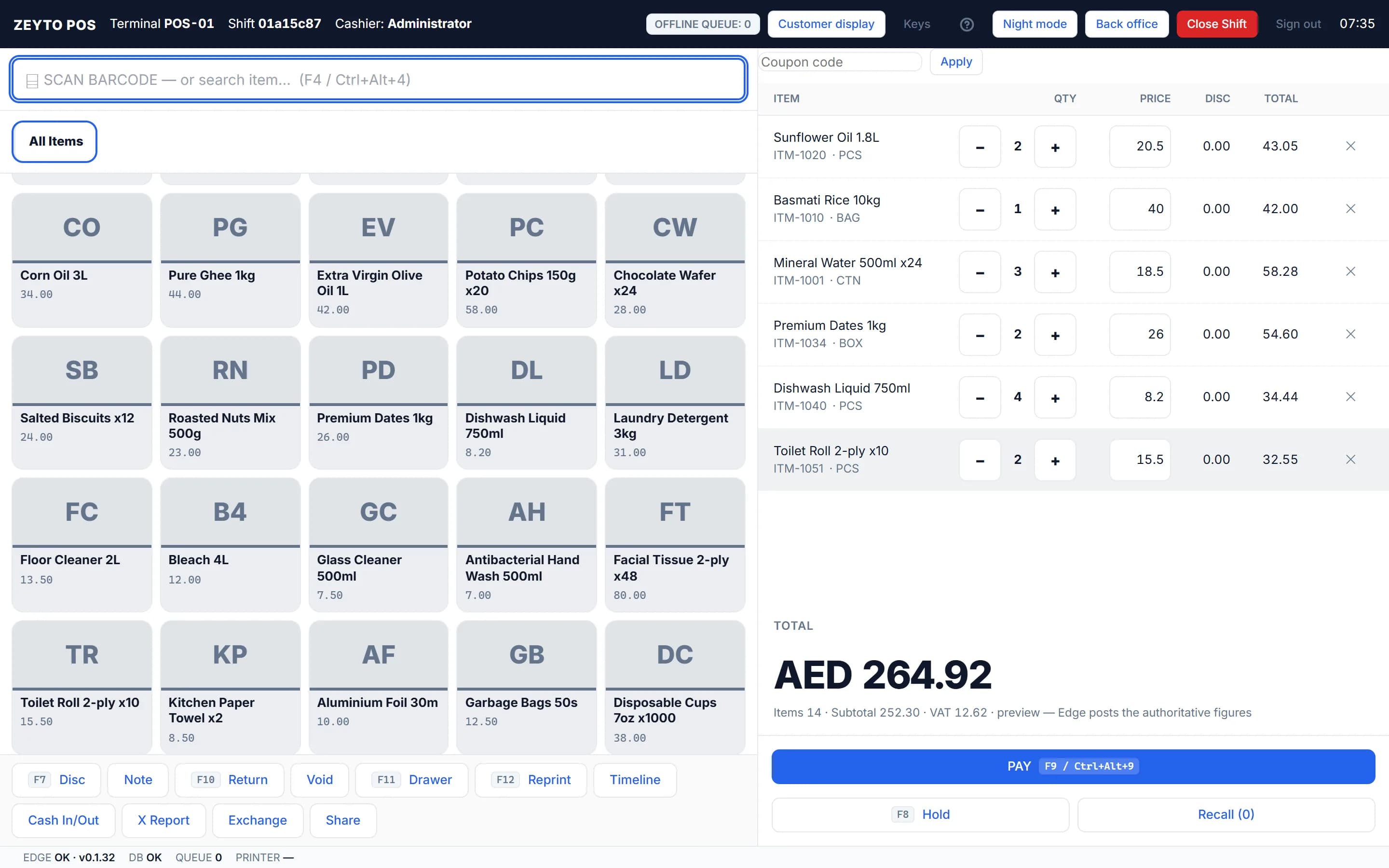
Screenshot from the Zeyto demo company, with sample data.
The formula
A drawer holds more than sales cash. One formula is used by the X report, the Z report, the shift list and the close: expected cash = opening float + cash sales minus cash refunds + paid in minus paid out. Card and on-account sales never enter it.
For example, a float of 300.00, cash sales of 2,150.00, cash refunds of 120.00, paid in of 100.00 and paid out of 250.00 give expected cash of 300 + 2,150 - 120 + 100 - 250 = AED 2,180.00. Cash in/out records money that enters or leaves the drawer without a sale, such as a float top-up or a supplier paid from the till. A reason is mandatory, and a paid out over the manager limit needs a manager PIN checked live.
Closing a shift
Controls
Manager reports
The Z report shows Gross Sales, Returns, Net Sales, VAT and Sales Count, takings by payment mode, and the cash drawer with expected cash, counted cash and Over / Short. Day Close is the manager's last step each evening: it checks that every shift of the chosen date and branch is closed, adds up the sales and cash, and locks the day. While a day is locked a new shift, a sale, a refund, a void and closing a shift for that branch and date are all refused. Day Close posts nothing to the accounts; the over and short amounts were already posted when each shift closed.
To change something later, a manager presses Reopen and types a reason of at least five characters. POS Audit records every price override, line void, manual discount and receipt reprint: who, which till, what changed, why and which manager approved. Those lines cannot be changed or deleted.
Bank the takings, not the float If you keep the float in the drawer overnight, bank only the takings. The Z report's Deposit Cash button opens Accounting, Banking but does not carry the amount over: press New, set Entry Type to Bank Deposit and type the amount yourself. This page is general information and was last reviewed on 8 November 2026.
Go deeper
Practise the close with an exercise.
Next step
Open the public demo, install the Windows trial, or talk to the Zeyto team about your workflow.
No install needed
Demo data refreshes nightly to keep the sample company clean.
Open live demoYour own PC
Run Zeyto cloud, private cloud, on-premise or on a local server, with desktop shell, browser access and the mobile app.
Sales, support, partners
Send your industry, branch count, users and reporting needs. We route you to the right person.
FAQ
Open the demo, make a few sales and close the shift to see the Z report.